The problem
Small online stores want to message customers on WhatsApp: an order confirmation, a shipping update, a reminder. Doing that properly means a WhatsApp connection, an API, billing and something the store can plug into. Most store owners do not want to build any of it.
What WAPI does
WAPI is a subscription service that gives a store its own WhatsApp sender. The owner signs up, picks a plan, pays, scans a QR code with the phone they want to send from, and gets a license key. A plugin on the store uses that key to send messages through WAPI's API.
Sign-up and login with a phone number and a one-time code by SMS.
Monthly plans, each with a number of WhatsApp lines the owner can connect.
Card payment with an invoice, and the card saved as a token so the plan renews on its own.
A QR code to link a phone, then the account details, the license key and the connection status.
Changing the phone number creates a fresh connection, within the plan's limit.
An API for the store plugin: check a license, then send a message to a customer.
An admin API for users, plans, connections, payment history and income stats.
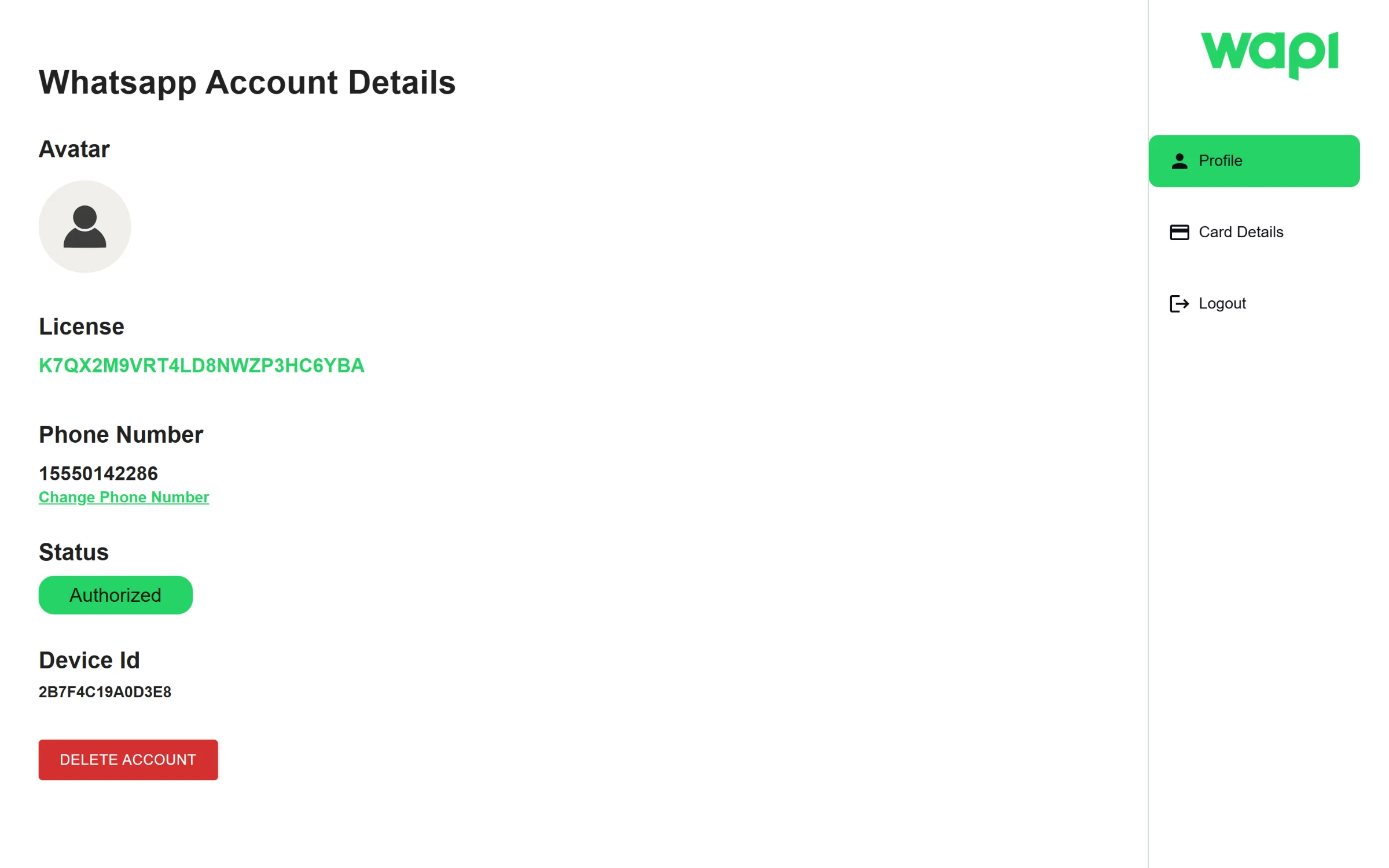
The account page: the license key the store plugin uses, the connected number and its status.
My role
I built the backend alone, January to March 2024: the Express and MongoDB API, the WhatsApp, payment and SMS integrations, the renewal job and the admin endpoints. I also built the customer dashboard in Next.js and Material UI; the only other commits to it were small README edits.
One WhatsApp line per customer
WAPI does not run WhatsApp itself. It uses a WhatsApp gateway's partner API: when someone subscribes, the backend creates a new gateway instance for them, stores its credentials on the server, and issues a 25-character license key. The dashboard then asks the backend for a QR code from that instance. Once the phone scans it, the account page shows the number, the device and the status. The gateway credentials never reach the browser; the dashboard and the store only ever see WAPI's own tokens.
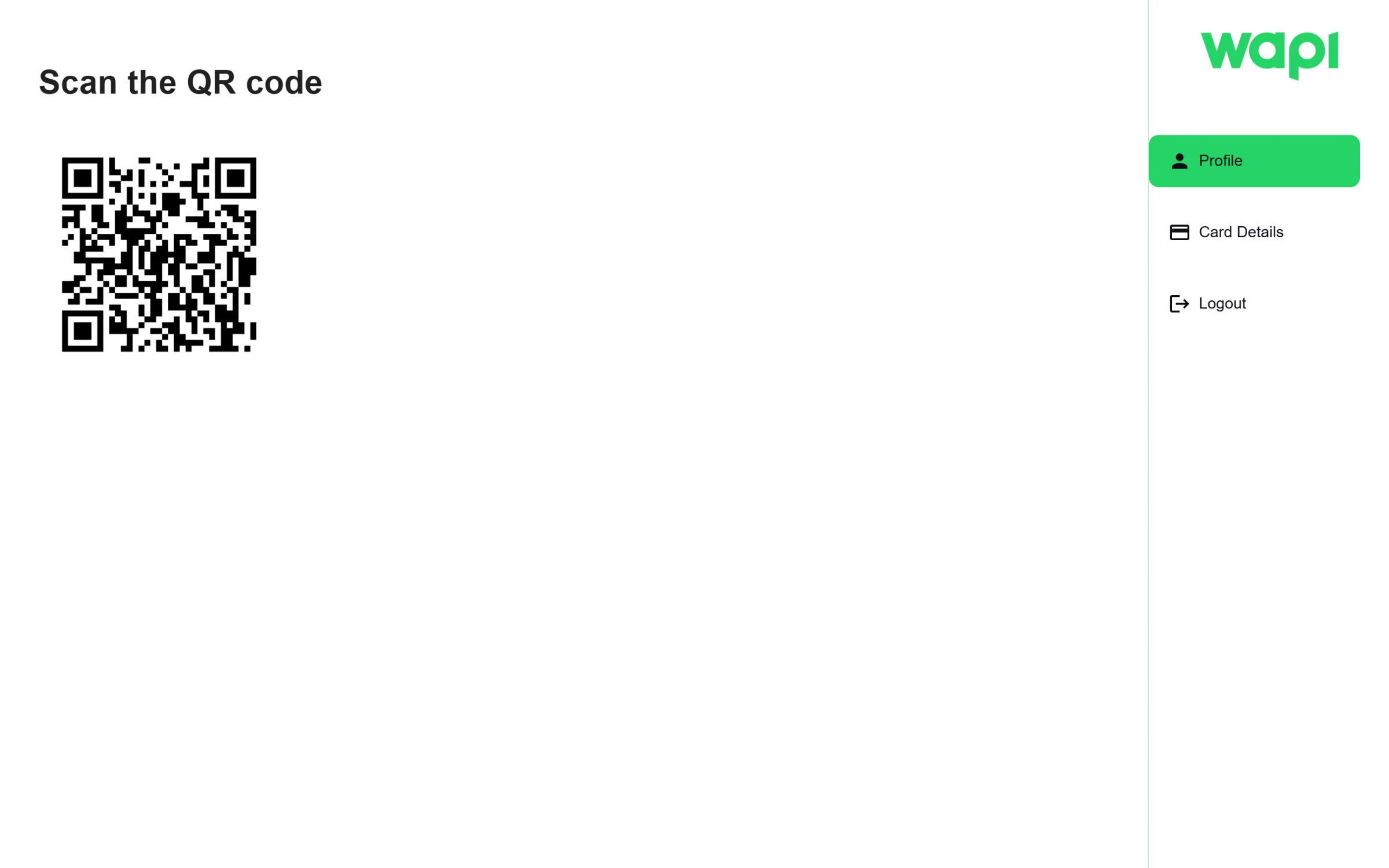
Linking a phone: scan the code from WhatsApp on the phone that will send messages.
The store plugin
The store side is two calls. The plugin sends its license key to verify-license and gets back a short-lived token. It then calls send-message with that token, the customer's phone and the text. The backend checks the license is still active, normalises the phone number into a WhatsApp chat ID, and sends the message from the store's own line.
Billing that renews itself
Payment runs through a card processor. The backend verifies the card, charges it, issues an invoice with the customer's billing details and keeps a token for the card instead of the card itself. Every charge is written down as pending before it is attempted and marked completed only when the processor confirms it, and the subscription and the WhatsApp line are created only after that. A nightly job finds subscriptions that have ended, charges the saved token and extends them by a month. Customers can replace their card or change their invoice details from the dashboard.
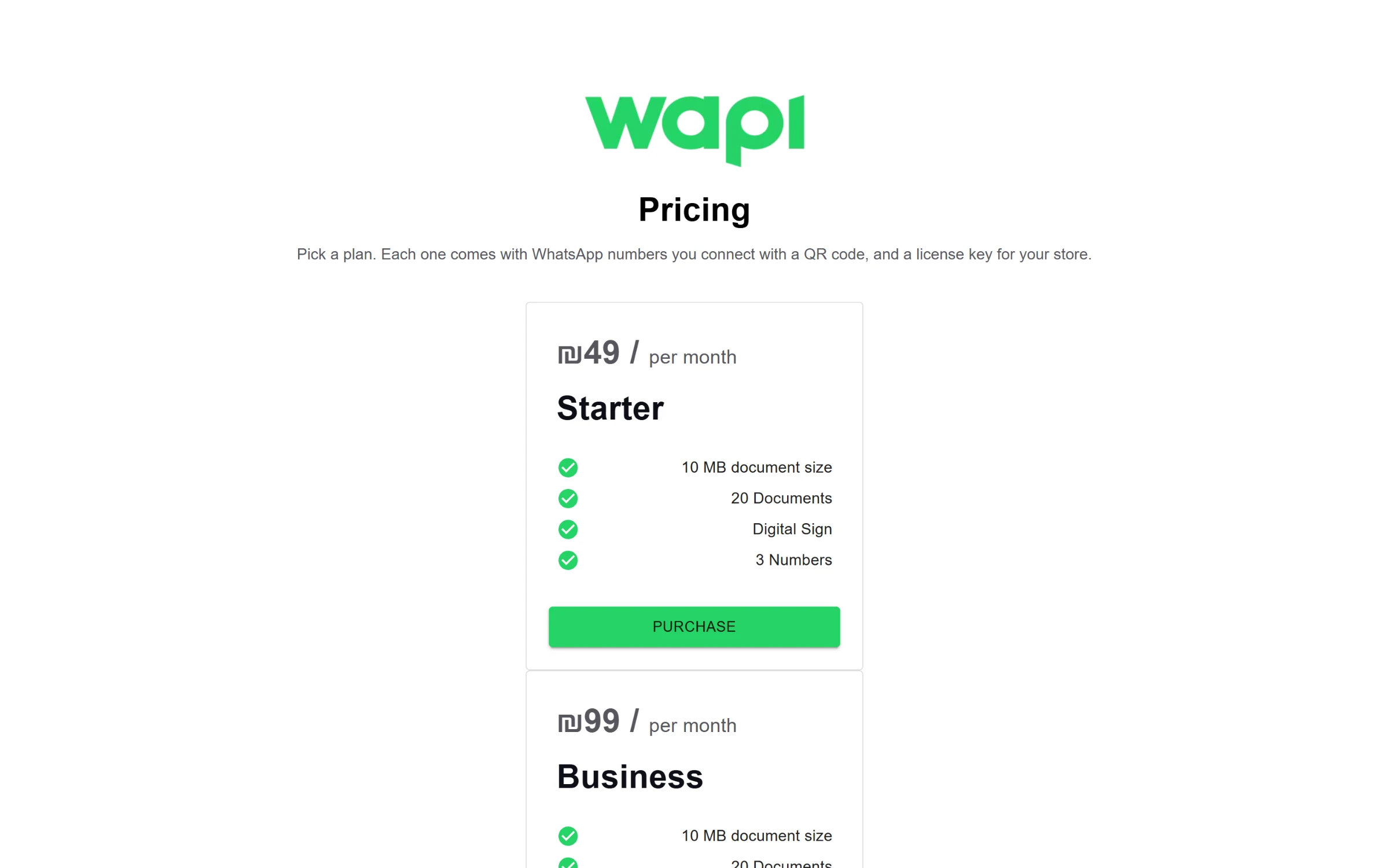
Plans, loaded from the database.
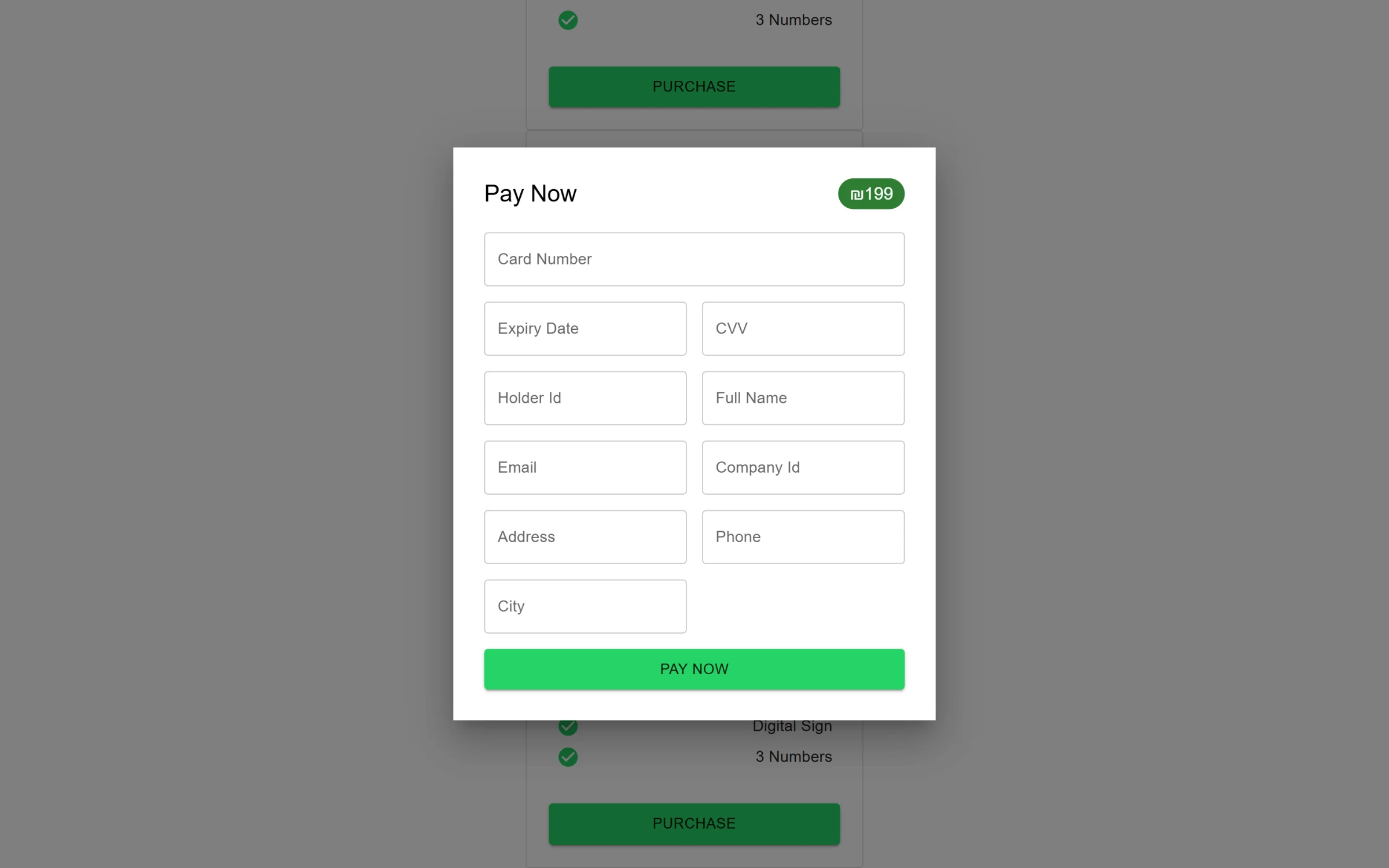
Paying for a plan.
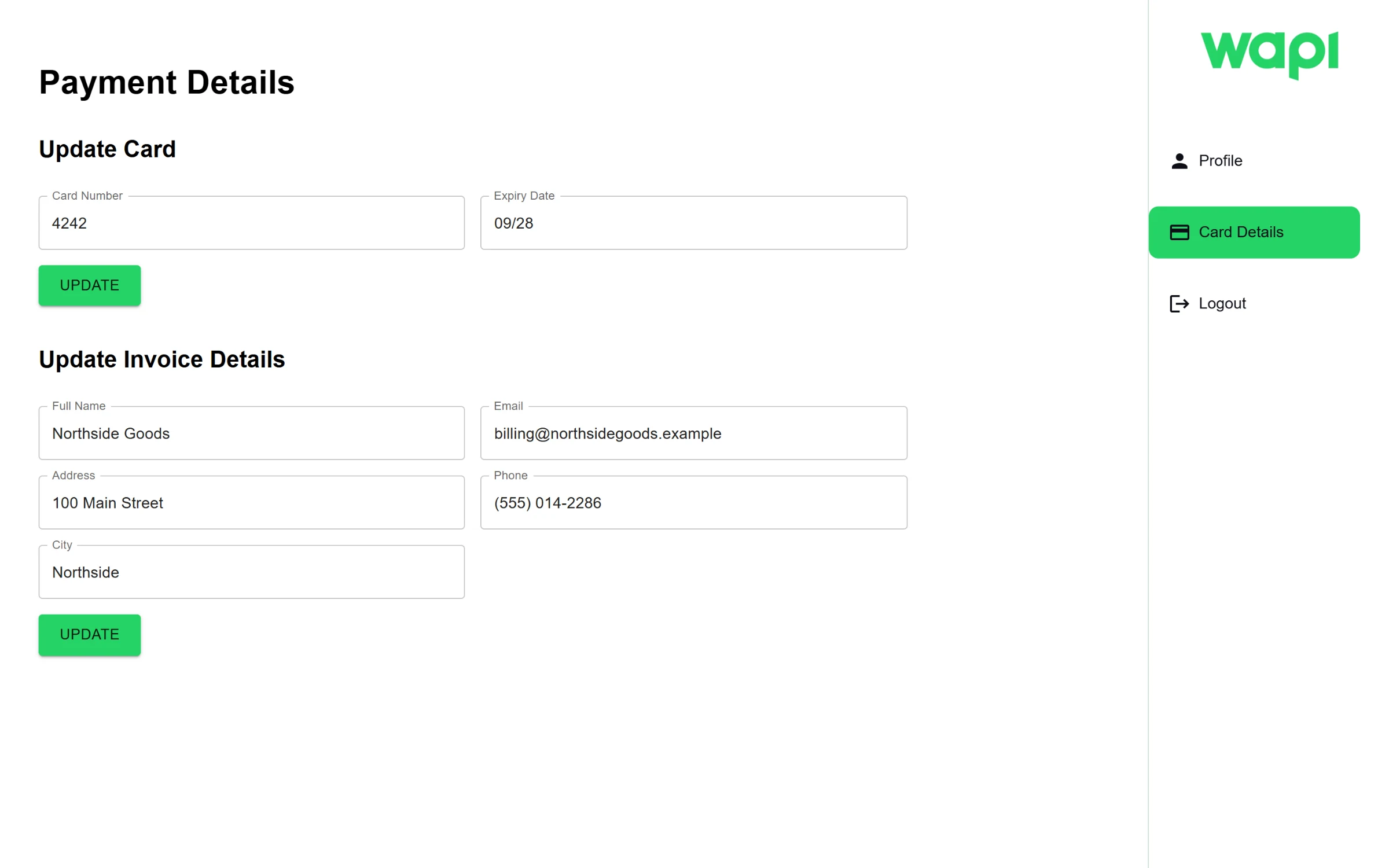
Billing: the saved card, shown masked, and the invoice details.
Admin
An admin API sits behind its own login. It lists and edits users, creates and deletes plans, shows every gateway instance and a user's payment history, issues a new license key for a user, and reports totals: users, new users in the last month, and income overall, for the last week and for the last month.
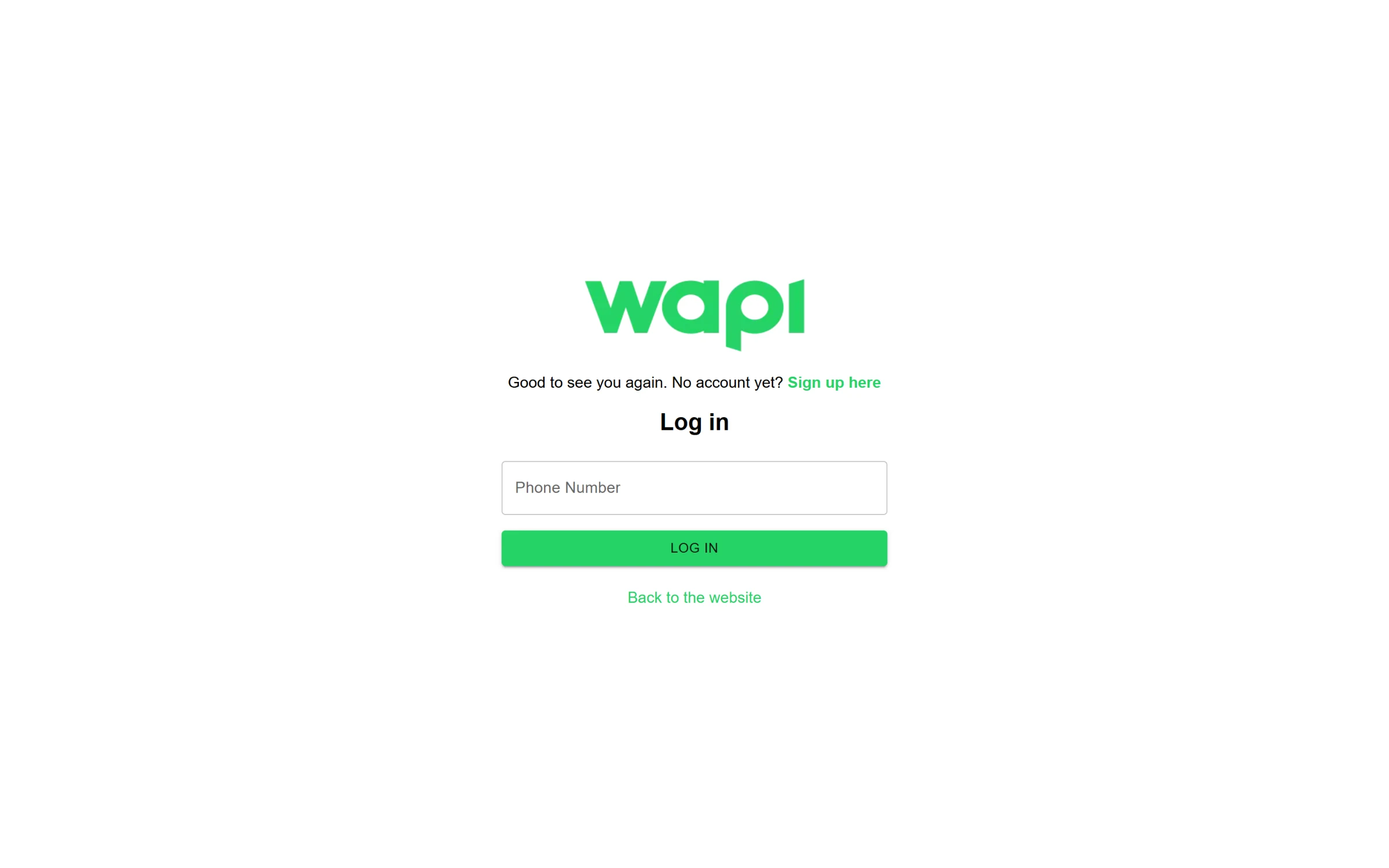
Login with a phone number. The code arrives by SMS.