The product
Physium is a physiotherapy clinic with several branches. It wanted a landing page for one treatment, shock wave therapy, that explains what it treats, answers the questions people ask before booking, and turns a visit into a phone call or a callback request.
I built it on my own in about a week in January 2023, as a single static page with no framework. The page is in Hebrew. The screenshots show it with the text translated into English.
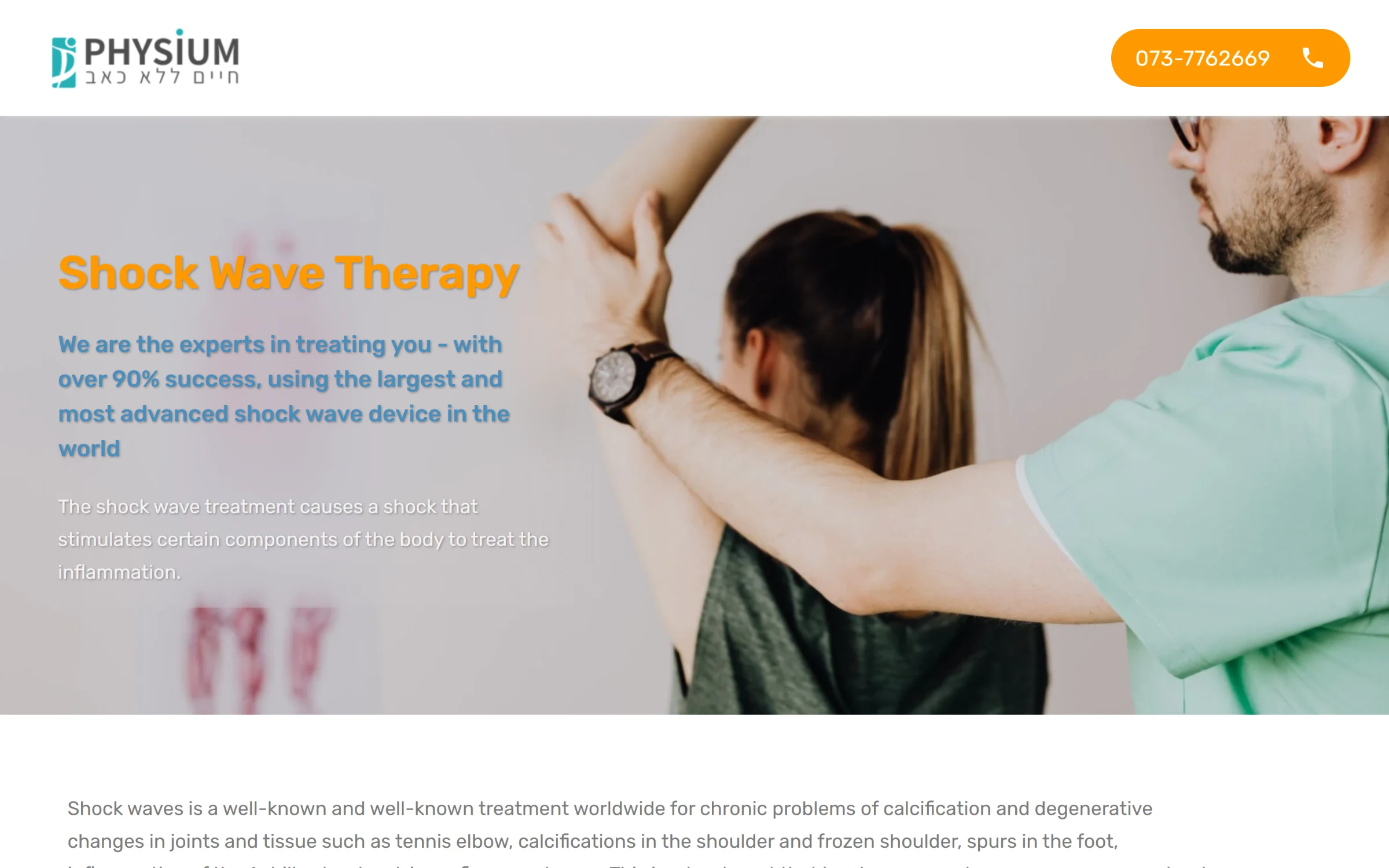
The hero: the treatment, the promise and the phone number, which stays in the header.
What I built
The whole page in hand-written HTML, CSS and JavaScript, with its own mobile layout for each section
Two lead forms, one near the top and one at the end, with a branch picker and client-side checks for the required fields
A small PHP handler that emails each request to the clinic with the name, phone, branch and the page it came from, then shows a thank-you page
A video carousel and a team carousel built on Swiper, with the team shown as a grid on desktop and a swipeable card on a phone
Tap-to-call buttons in the header and the contact section
Right to left
The site is in Hebrew, so the layout runs right to left: the header, the form fields and their dropdown arrow, the checklists and the cards. I set the direction once for the whole page and built each section to follow it. Some of the longer paragraphs came in English, so those blocks switch back to left to right inside the right-to-left layout.
Built to get a call
Everything on the page points at one action. The phone number sits in the header the whole way down. The first form comes right after the explanation, next to the three reasons to book now, and the last section repeats it with a second call button. The form only asks for what the clinic needs to call back: a name, a phone number and the nearest branch.
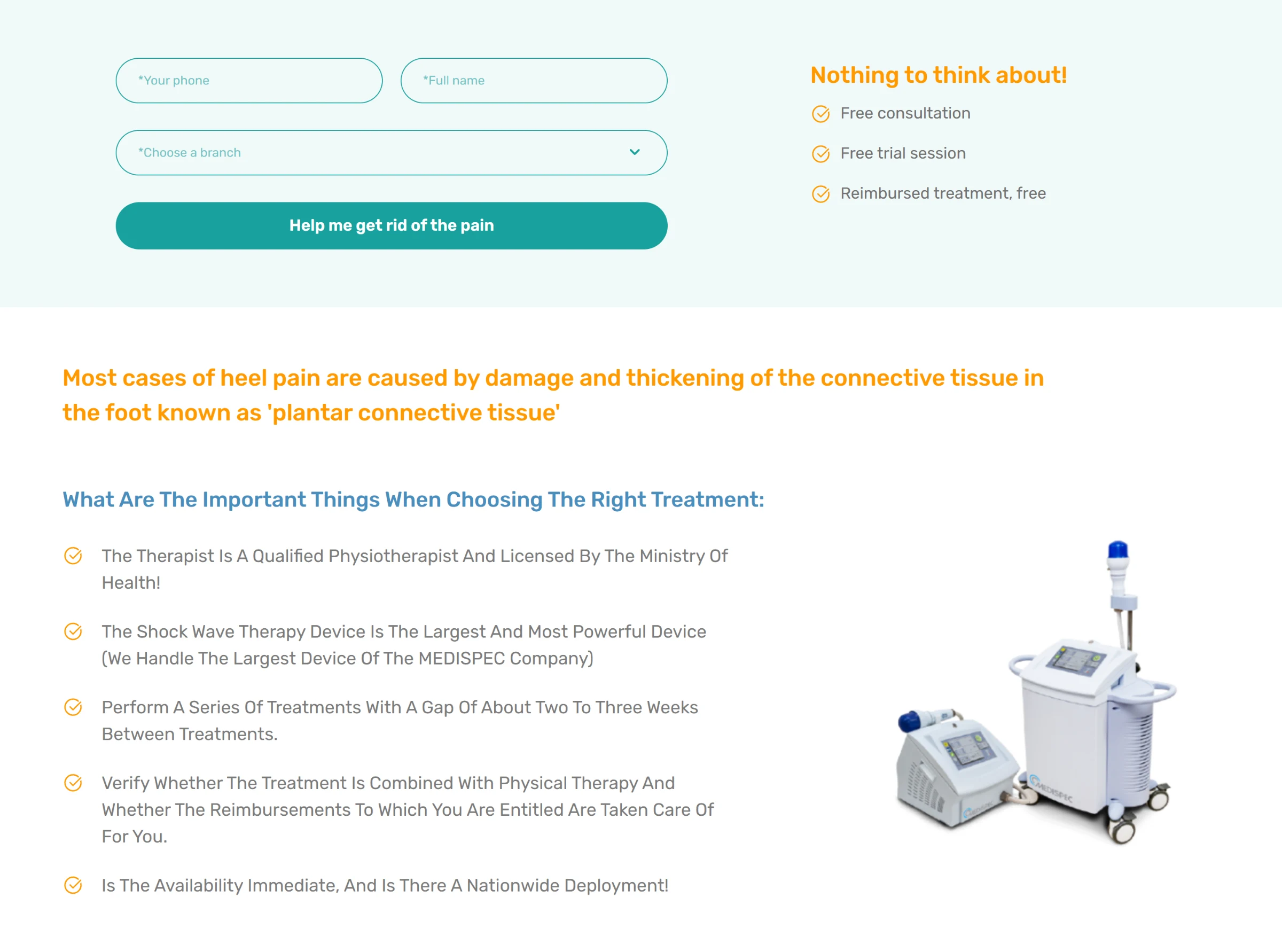
The first callback form, then what to look for when choosing a treatment.
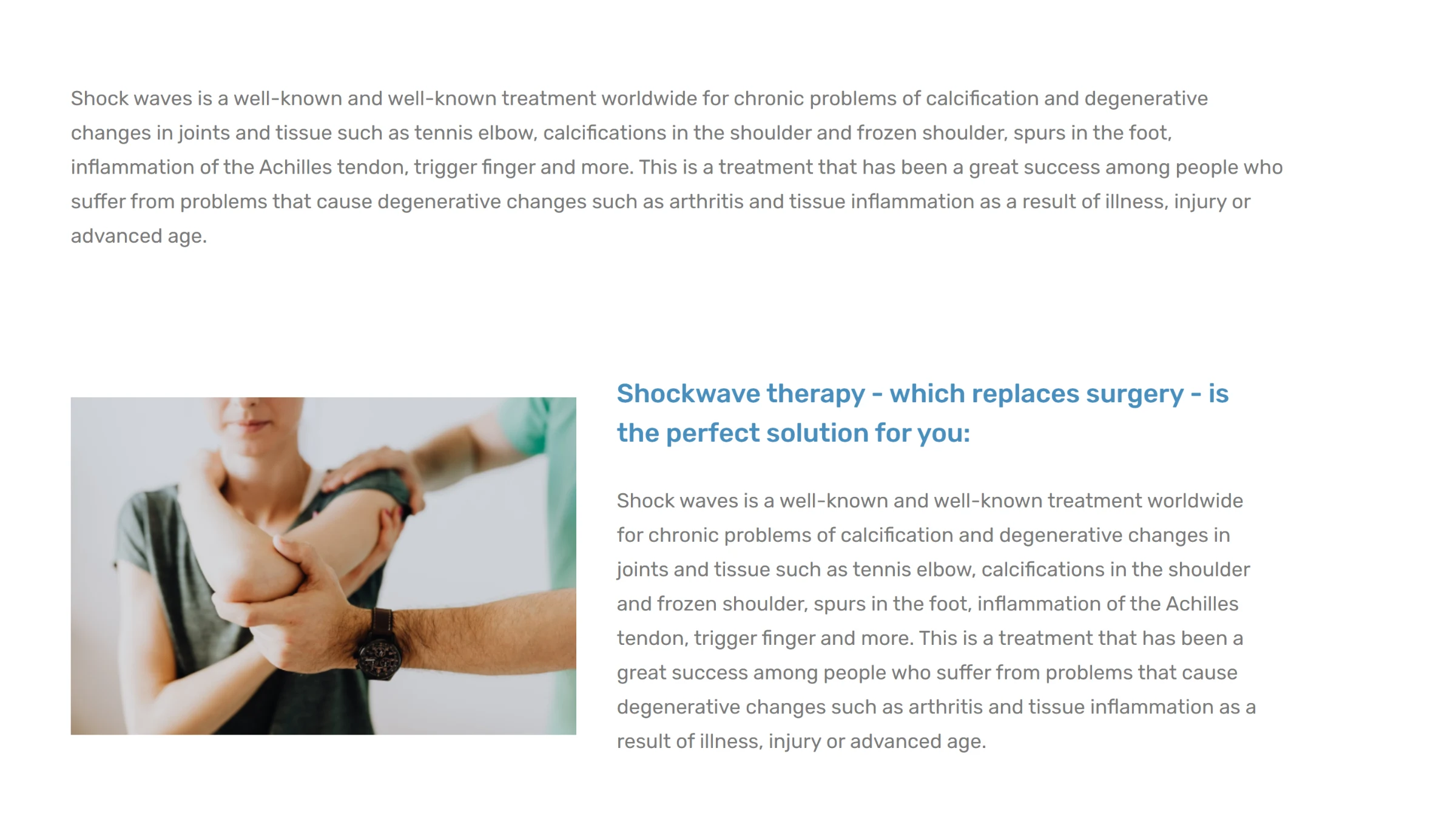
What shock wave therapy treats, and why it can replace surgery.
One handler for every form
Both forms post to the same handler. A hidden field carries the page name, so the email subject tells the clinic which landing page the lead came from. So the same handler can serve another treatment page without changes.
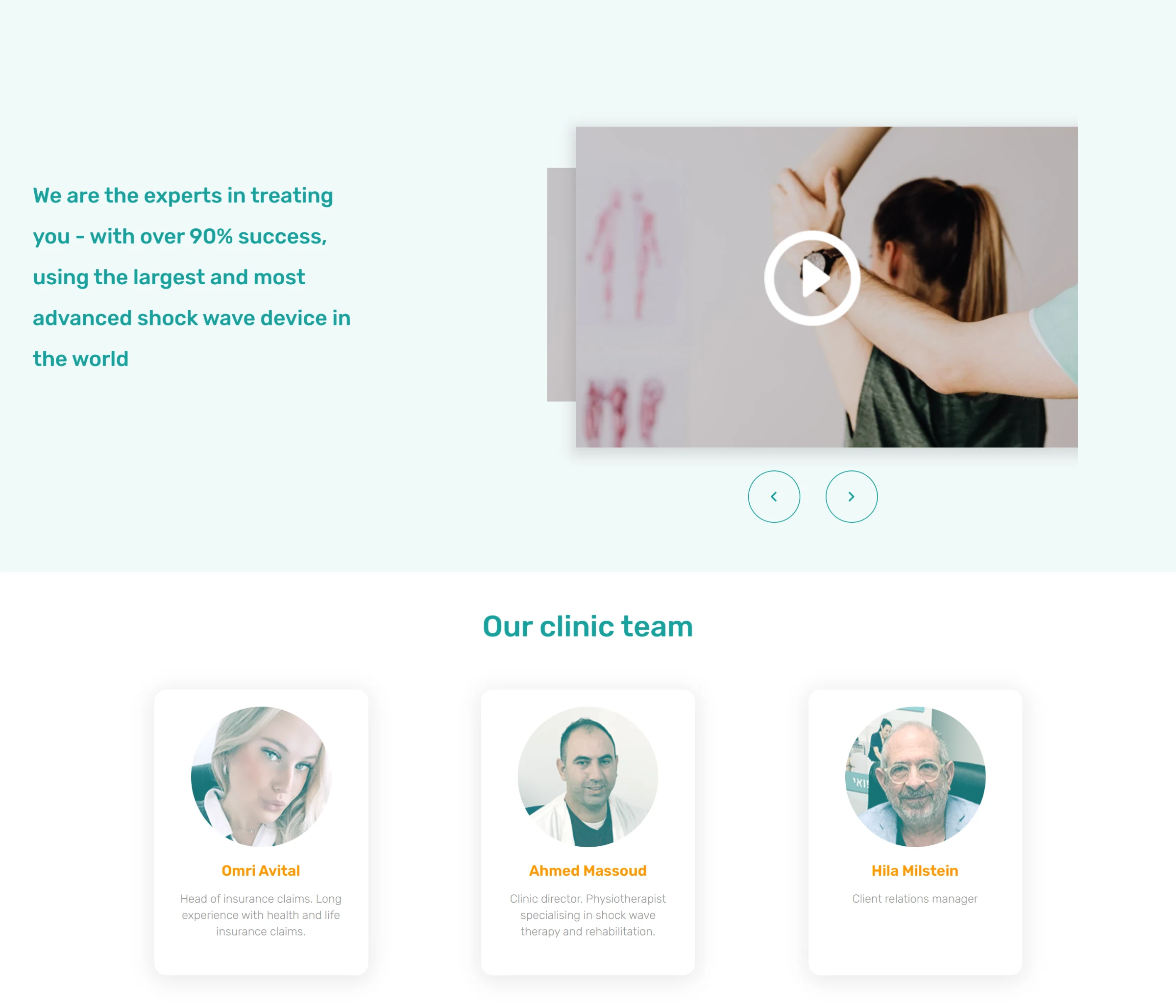
The video carousel and the clinic team.
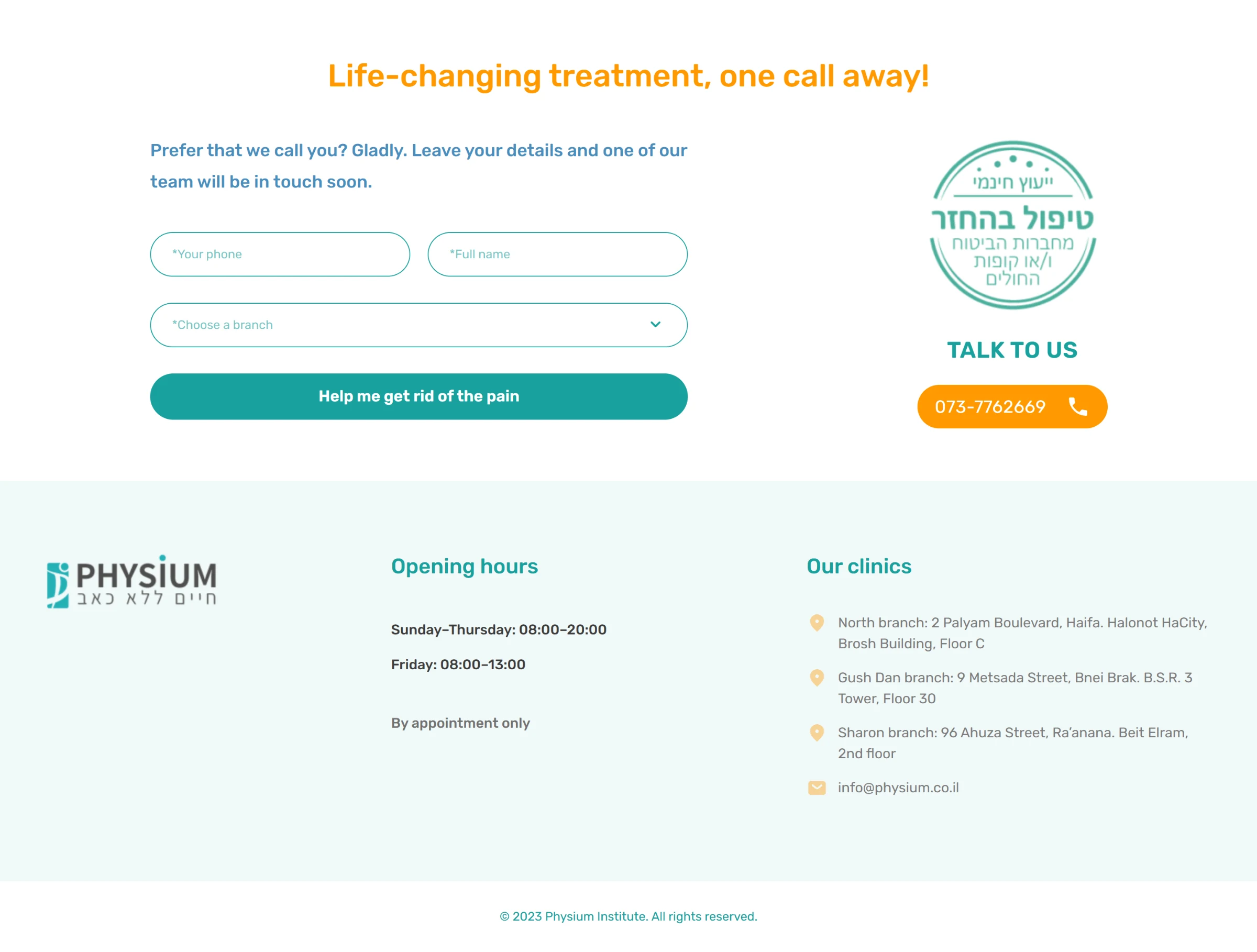
The closing section: a second form, opening hours and the three branches.
On a phone
The mobile layout is its own design, not a squeezed desktop. The hero photo moves above the text, the forms stack to one field per row, and the team becomes a card you swipe.
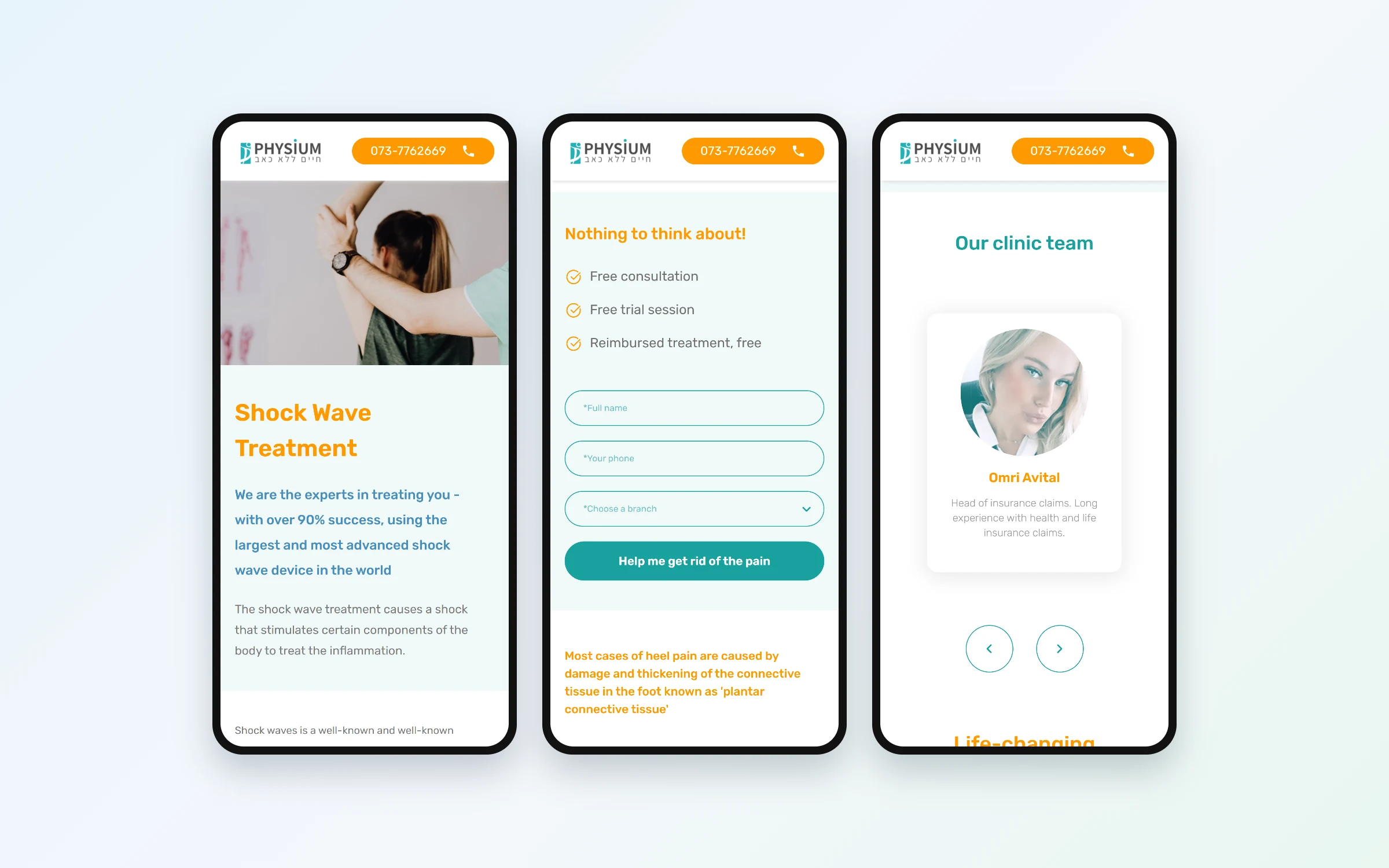
The hero, the callback form and the team carousel on a phone.